Sign anything
Draw once. Place it, resize it, done.
 PDF Daily
Join the test
PDF Daily
Join the test
Read, sign, scan and convert on your Android phone. No account. Your files never leave it.
From a piece of paper to a signed PDF, without leaving your phone.
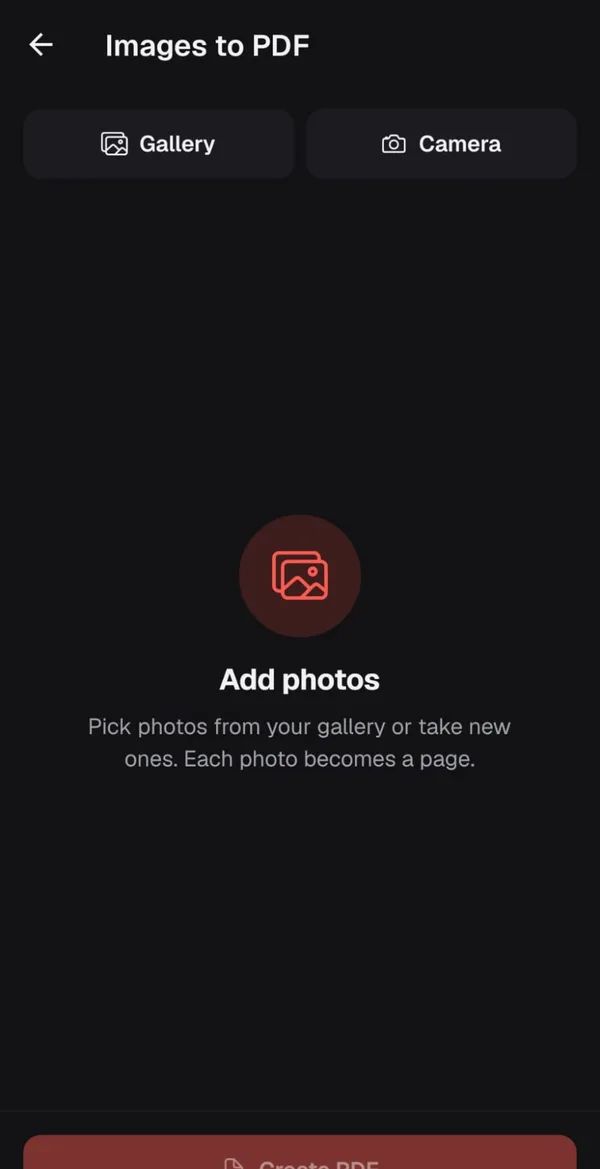
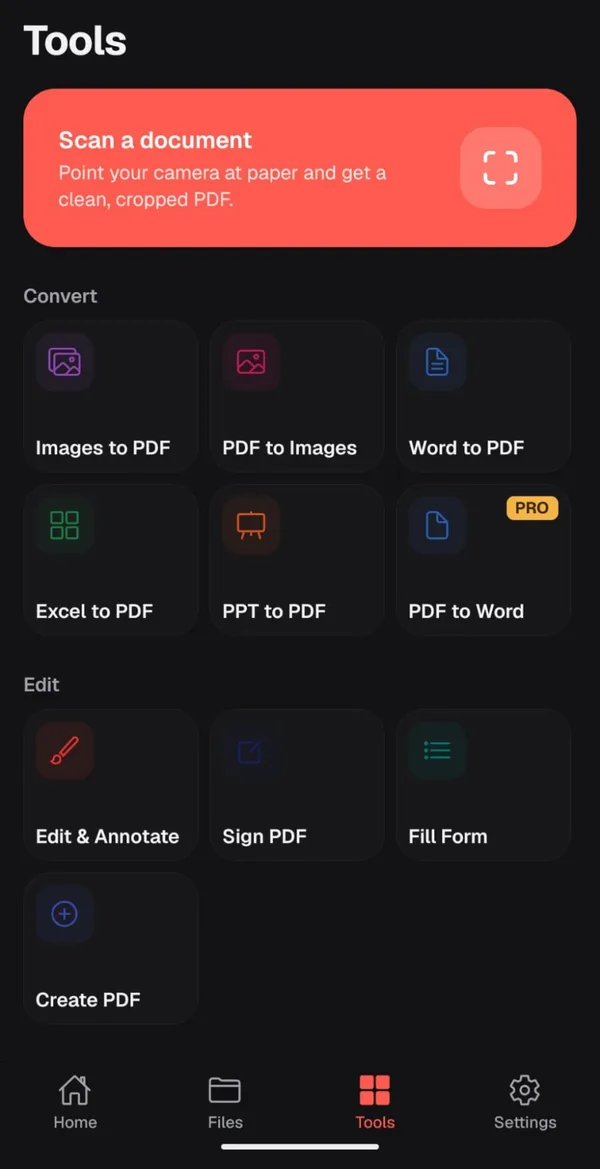
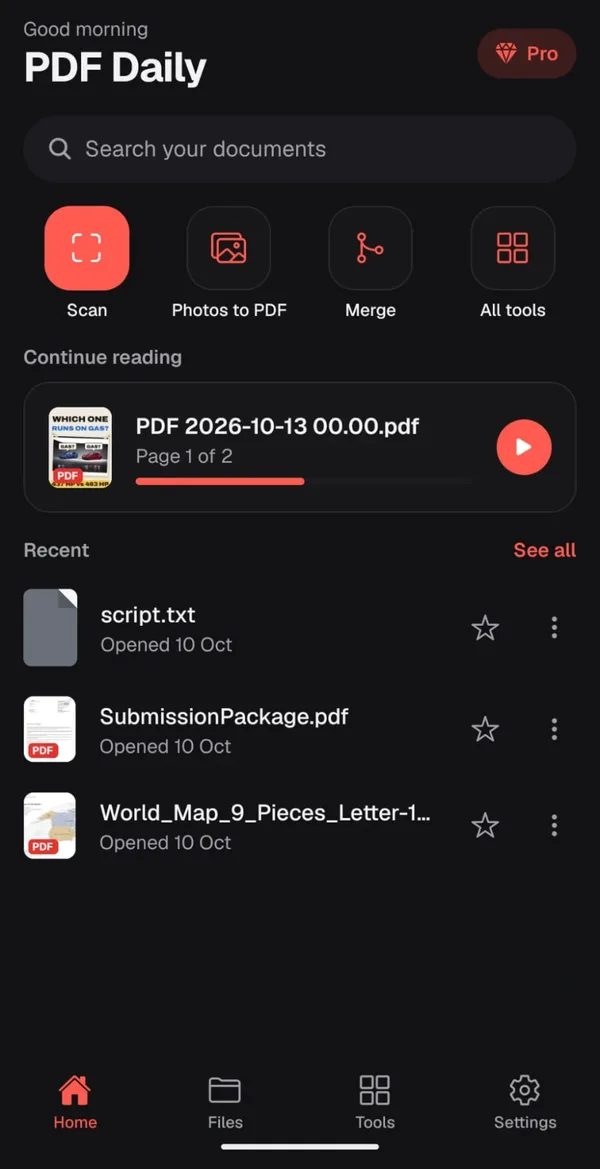
Snap paper with your camera or pick photos. Each one becomes a clean PDF page.
Draw your signature once, place it on any page, fill in the form. No printer.
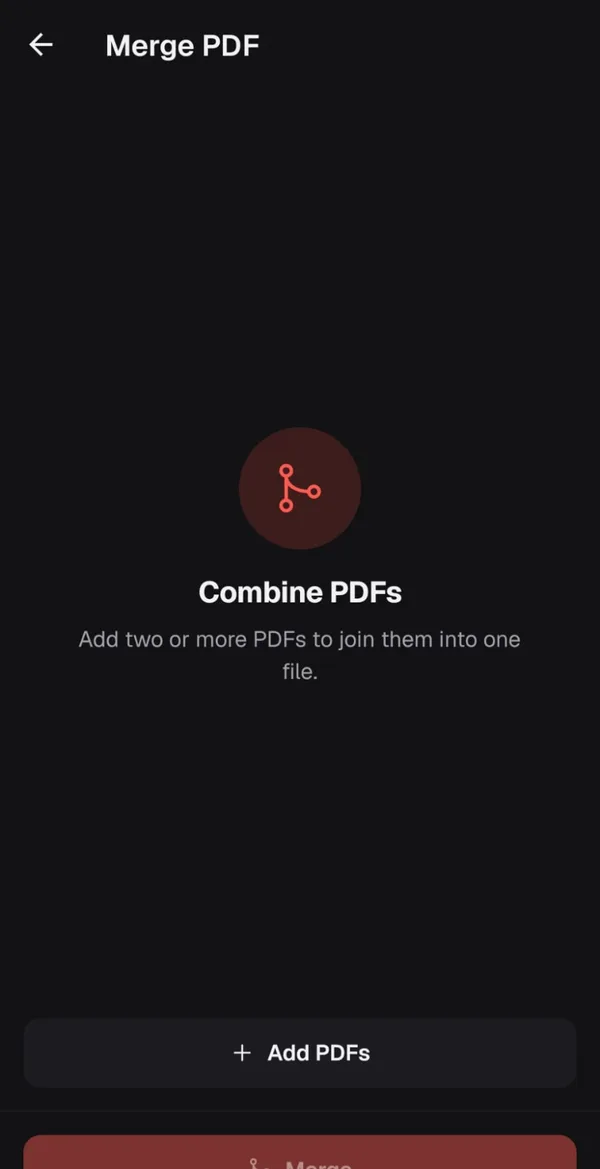
Join two or more PDFs into one file, then split or compress it.
Every file in one place, with "continue reading" right where you left off.
Draw once. Place it, resize it, done.
Open them and turn them into PDFs.
Airplane mode? Still works.
Shape files the way you need.
Paper in, PDF out.
Your files stay on your phone.
The free version shows light ads. Pro removes them.
About $3.33 a month, billed yearly.
Prices in US dollars. Google Play shows the price in your currency. Cancel any time in Google Play.
Google needs 12 testers for 14 days before PDF Daily can launch. Two taps, about a minute. Android only.
Yes. All the core tools are free, with light ads. Pro removes the ads and adds PDF to Word.
No. Opening, editing, signing and converting all happen on your phone. There's no account and no cloud.
PDF, Word, Excel, PowerPoint, images and text files. You can turn most of them into PDFs.
Not yet. It's in the works. Android comes first.
In Google Play, open your profile, then Payments & subscriptions, then Subscriptions. Lifetime is a one-time purchase, so there's nothing to cancel.